In 2025, people are looking not just for training, but for opportunities. They want to see benefits and results.
That's why a landing page is the first thing that helps generate interest. If a page is simple, beautiful, and clear, people will stay. If not, even a great course might go unnoticed.
What is a Landing Page and Why is it Important?
A landing page isn't just a website. It's a single page with one primary goal: to attract people to take action:
register, leave contact information, learn more, or enroll in a course.
This is especially relevant for educational projects. Young people don't want to waste time on lengthy websites – they want a clear offer and understandable benefits.
Who is your audience?
STEM projects are designed for teenagers and young adults aged 13–25.
They're constantly online, eager to learn, and value simplicity.
It's important to remember:
-
They don't read long texts,
-
they enjoy visual content—videos, photos, animations—
-
they value sincerity and specificity.
So your page should be simple, bright and lively.
How to prepare for page creation
Before you start designing and writing, you need to clearly understand:
-
Goal – what exactly do you want the user to do (register, learn, subscribe).
-
Value – why is it important to them?
-
Specificity – what makes your project different from others.
This will help make the page not just beautiful, but effective.
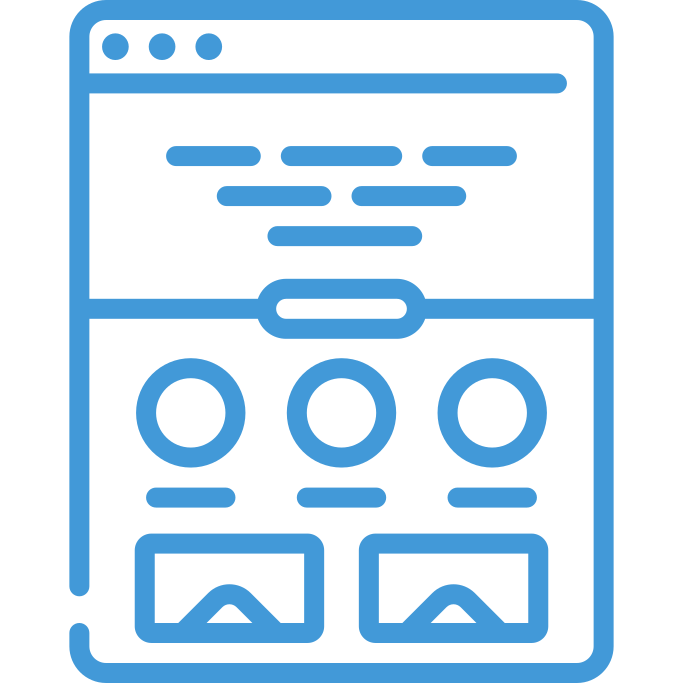
The structure of the effective Landing Page
A successful page has a clear logic.
A person lands on it, immediately understands what it's about, and easily navigates to the action button.
Key blocks:
-
Headline and brief description.
The message should be simple and specific:
"Join a free STEM course and build your first robot." -
Visual block.
Photo or video that conveys the atmosphere – a lab, students, experiments. -
Pros.
Short bullet points explaining why people should participate. -
Stories or testimonials .
People trust people – show the participants and their results. -
Call to action (CTA).
The button should be noticeable and clearly explain what happens next.
What should the content be like?
The text on the page is a conversation, not a lecture.
Write simply, as if you were explaining something else.
A few tips:
-
Use short sentences.
-
Avoid complex terms unless necessary.
-
Add subheadings to avoid getting lost.
-
Support your points with examples.
Example:
Not just “we’ll teach you how to program,” but “in three weeks you’ll create your first game in Python.”
This is how the user understands a certain outcome.
The visual part is the first impression
Today's youth perceive a page visually.
If it looks boring, no one will read the text.
Here are some simple tips:
-
Colors: Use light and technological shades – blue, green, purple.
-
Photos: Show real people, labs, and processes.
-
Video : A brief greeting from the teacher or students builds trust.
-
Animations: Subtle effects enliven the page without being distracting.
CTA (Call to Action) Examples
The call to action should be brief, clear, and located in multiple places on the page.
Below is an example of how this can be done.
| Type CTA | What is it for? | Where to place |
| Register now | The main action is enrollment in a course or participation | Under the main heading |
| Get a free lesson | Motivates you to try without risk | In the middle of the page |
| Find out more | Explains the details of the program | In the “Benefits” section |
| Join the community | Creates a sense of belonging | At the bottom of the page |
Mobile adaptation is a must
Most young people come to your site via phone.
Therefore, your page should work perfectly on small screens.
-
The text should be readable.
-
Buttons should be easy to click.
-
Images should not overload the page.
-
Speed should load within 2 seconds.
In 2025, users won't wait – if a page freezes, they'll simply close the tab.
SEO and analytics
To make your Landing Page easily found in Google, you need to set it up correctly:
-
Add keywords that people use to search for similar courses, such as:
"STEM courses for teenagers," "science for schoolchildren," "online technology training." -
Fill in the meta tags (title, description);
-
Create a short URL;
-
Connect Google Analytics or other services to see how users behave on the page.
This will help you understand what works best and what needs to be improved.
2025 Trends for Education Landing Page
To make your page look modern, consider new trends:
-
Video presentations instead of text.
A short video up to 60 seconds better conveys the atmosphere. -
AI chat on the page.
Young users are more likely to ask questions to a bot if it responds quickly. -
Gamification.
For example, a quiz "What kind of scientist are you?" before registration is a great way to engage users. -
Micro-animation.
Scrolling effects create a "live" page that doesn't look static. -
Transparency and sincerity.
People trust when they see real faces and open information.
Check everything before launching
Before showing the world page:
-
Test it on phones, tablets, and different browsers;
-
Check all links and buttons;
-
Ask friends or students to tell you what they don't understand;
-
Fix small details—they make a big difference.
Conclusion
A landing page for a STEM project is your chance to engage young people from the very first moment.
It should be simple, honest, modern, and quick.
Show that learning can be engaging and useful.
Add a touch of emotion, real stories, and a clear call to action—and then your page will not just inform, but inspire .