


Чи знаєте ви, що 75% довіри до вашого сайту залежить від дизайну? Відвідувачі можуть сприймати вашу компанію як ненадійну, якщо є багато помилок у дизайні веб-сайту. Незалежно від того, створюєте ви сайт з нуля чи оновлюєте поточний, уникнення цих помилок дозволить вашому бізнесу виділятися в Інтернеті з правильних причин.
Помилки у дизайні веб-сайту, які слід уникати
-
Недостатній контраст
Недостатній контраст — це помилка, на яку часто не звертають уваги. Часто ця помилка трапляється через те, що компанії використовують веб-сайти з палітрою кольорів свого бренду, яка зазвичай створюється без урахування майбутнього веб дизайну сайту .
Коли в комбінації кольорів, що використовується на веб-сайті, бракує достатнього колірного контрасту між кольорами фону і переднього плану, текст і значки можуть важко сприйматися, особливо для людей із вадами зору.
-
Відсутній або невідповідний альтернативний текст
Відвідувачі сайту, які використовують програми зчитування з екрана, покладаються на альтернативний текст зображення, щоб описати, що передає зображення чи графіка. Якщо воно відсутнє або неадекватно описує зображення, ви ізолюєте читачів з вадами від перегляду вашого сайту.
-
Недостатні або відсутні візуальні індикатори фокусування
Без візуальних індикаторів фокусу відвідувачі не зможуть відчути ваш сайт у повній мірі. Індикатори фокусу зазвичай виглядають як контури навколо інтерактивних компонентів, таких як посилання та кнопки. Важливо, щоб існувала чітка візуальна індикація того, який елемент на сторінці має поточний фокус, щоб користувачі, які переміщуються за допомогою клавіатури та бачать екран, точно знали, де вони знаходяться на сторінці та чого очікувати, коли вони взаємодіють із активним елементом.
-
Не доступні імена або мітки
Якщо ваш сайт передає інформацію візуально, пам’ятайте про тих, хто використовує допоміжні технології. Під час розробки сторінок і компонентів, де інформація передається візуально, ту саму інформацію слід передавати за допомогою доступних міток для допоміжних технологій.
-
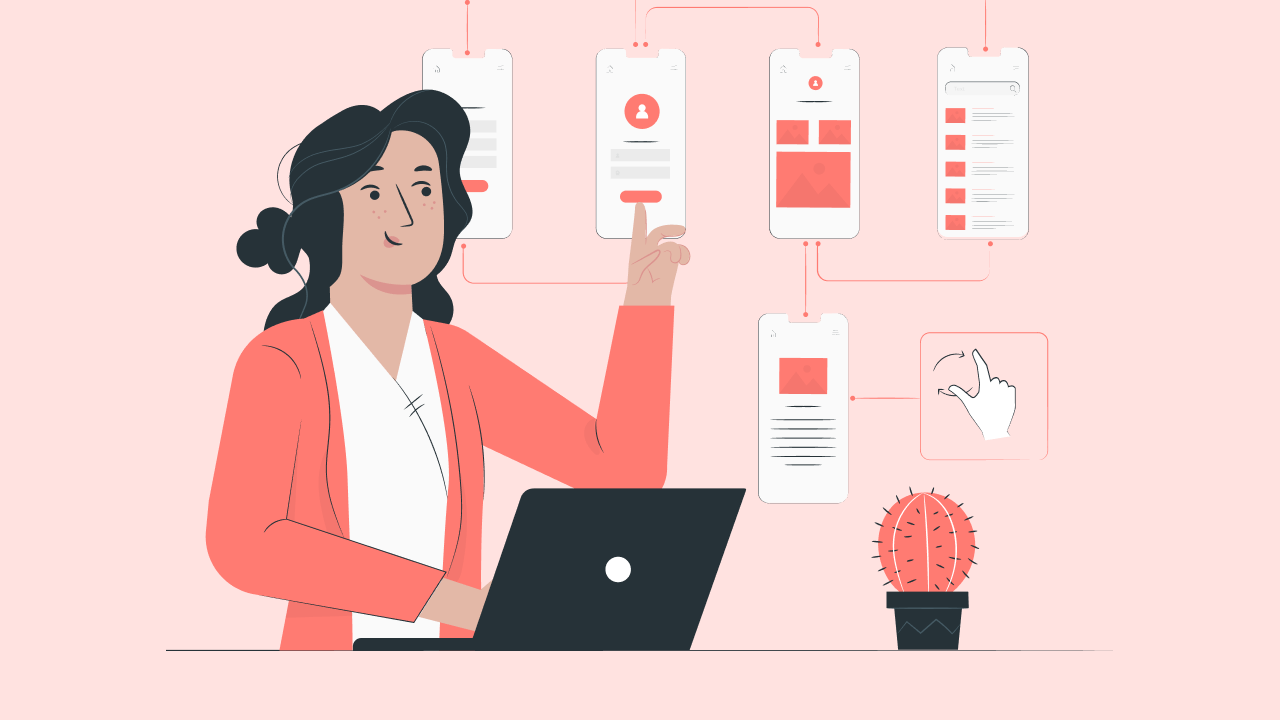
Нехтування адаптивним дизайном
У другому кварталі 2022 року мобільні пристрої становили понад 58% світового трафіку веб-сайтів , навіть не враховуючи планшети. Якщо вашим веб-сайтом не так легко переміщатися на мобільному пристрої, як на комп’ютері, ви ризикуєте розчарувати відвідувачів і підвищити показник відмов.
-
Пріоритет естетики над функціональністю
Однією з помилок дизайну веб-сайтів, яка набрала обертів за останні кілька років, є пріоритет естетики над функціональністю.
Це проявляється в кількох формах, від тенденцій дизайну, які розмивають ціннісну пропозицію брендів, до надмірного використання анімації, вмісту та важкої графіки, які покращують естетику, але стають марними. Це не означає, що слід прийняти мінімалістичний стиль, мова йде про баланс і те, як форма підтримує функцію.
-
Економія на макетах
Гуляючи центром міста, ви проходите біля магазину одягу з креативною, візуально привабливою вітриною з супроводом тексту і анімацією. Потім ви проходите повз магазин, де на вітринах є кілька предметів одягу на манекенах — нічого не впадає в очі.
Подумайте про свій веб-сайт як про інтернет-магазин вашого бізнесу. Він має відображати ваш бренд і бути унікальним для вашої компанії. Однією з найбільш значних помилок дизайну веб-сайту є вибір універсального шаблону та відсутність його налаштування.
Наприклад, використання за замовчуванням стандартного банера може виявитися негативним. Ми всі їх бачили — зображення на всю ширину прямо під панеллю навігації, як правило, з білим або чорним текстом і кнопкою зверху.
Це настільки поширено, що стало шаблонним і нудним. Те, що колись було привабливим дизайнерським рішенням, тепер одноманітне.
-
Використання неефективних функцій
Ще одна поширена помилка – використання неефективних функцій. Незалежно від того, наскільки візуально привабливим може бути елемент, пам’ятайте, що головним пріоритетом є ефективність вашого сайту.
-
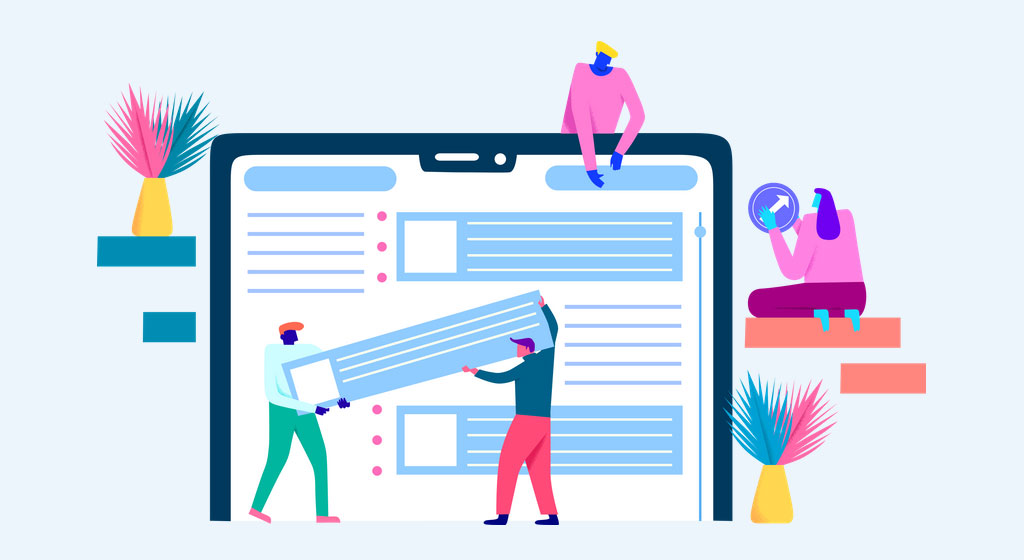
Відсутність ієрархії
Ви коли-небудь відвідували веб-сайт і не розуміли, на що зосередити свою увагу? Якщо так, то, ймовірно, ви потрапили на сайт, де не було ієрархії. Так само, як газета використовує заголовки та підзаголовки для позначення значущості, такою ж повинна бути і типографіка вашого веб-сайту.
Організація елементів надає вашому сайту цілісну структуру, яка спонукає користувачів виконувати чіткі дії, досягати основної мети.
-
Нечітка навігація
Незрозуміла, заплутана навігація є одним з факторів відмови від перегляду вашого сайту.
Чітка навігація та узгодженість у багатьох точках дотику та шляхах користувача забезпечують плавний перехід по вашому сайту і допоможуть зменшити показник відмов.
-
Неефективне донесення вашої бізнес-цілі
Коли відвідувачі переходять на ваш веб-сайт, вони повинні мати чітке уявлення про те, чим займається ваша компанія. Перше, що робить відвідувач коли він завантажує ваш сайт — це визначає, чи потрапив він у потрібне місце призначення.
Як виправити типові помилки дизайну веб-сайту
Тепер, коли ми розглянули найпоширеніші помилки дизайну веб-сайтів, давайте обговоримо, як їх виправити.
1. Зробіть доступність своїм головним пріоритетом
Веб-доступність означає зробити веб-сайти та інформацію на них доступними для всіх, тому вкрай важливо правильно розробляти веб-сайти.
Коли ми робимо ці типові помилки щодо доступності в дизайні веб-сайтів, ми створюємо перешкоди для зручності використання для мільйонів людей, які живуть з певною формою інвалідності. Навіть якщо ваш сайт виглядає приголомшливо, якщо певний вміст або дії недоступні для сегмента відвідувачів, він не відповідає повному потенціалу для досягнення ваших цілей і бізнес-потреб.
Ознайомтеся з передовими методами доступності.
Є маса ресурсів, контрольних списків і вказівок щодо того, як проєктувати, створювати та тестувати веб-сайти на доступність.

2. Переконайтеся, що ваш веб-сайт має адаптивний дизайн
З адаптивним веб-дизайном ви можете бути впевнені, що незалежно від того, як відвідувачі заходять на ваш сайт, вони отримають бездоганний досвід.
Ваша мета — переконатися, що незалежно від пристрою відвідувачі однаково розумітимуть ваш вміст.
3. Збалансуйте естетичну привабливість із безперебійним користуванням
Ми знаємо, що відбувається, коли веб-сайт ставить естетику на перше місце, а функціональність – на друге. На успішному веб-сайті можна збалансувати візуальну привабливість із бездоганною взаємодією з користувачем , яка дозволяє відвідувачам переміщатися сторінками та знаходити те, що вони шукають.
4. Уважно підходьте до дизайну сайту та не бійтеся бути креативними
Те, що ви бачите багато веб-сайтів із певним дизайном чи макетом, не означає, що ваш має бути таким.
Запитання про ваші наміри щодо простору – ще один ефективний спосіб зрозуміти, що йому найкраще підходить. «Зображення мають функціональне значення чи лише декоративне? Чи розроблено макет таким чином, щоб спонукати користувача читати або виконувати дії? Чи є щось цікаве, що може привернути їх увагу на кілька секунд?
Подібно до ефекту засліплення банерів з рекламою, користувачі починають пропускати повз ці великі головні розділи на користь спроби зануритися в значущий вміст нижче.
Крім того, ви можете вирішити повністю змінити макет свого сайту, щоб на ньому не було зображення під панеллю навігації. Понад 70% компаній інвестують у дизайн , щоб вирізнити свою компанію серед конкурентів, тож не бійтеся робити те, що ніхто інший у вашій галузі не робить.
5. Не ховайте інформацію про функції, які не конвертуються
Якщо на веб-сайті вашої компанії є карусель, переконайтеся, що ви надали до використання добре видимі елементи керування, обмежили кількість слайдів і розмістили найважливішу інформацію на першому місці. Нічого важливого не повинно бути приховано за межами першого слайда, користувач обов’язково має отримати важливу інформацію без взаємодії з компонентом.
6. Переконайтеся, що ваш сайт має ієрархію
Без ієрархії ваш веб-сайт буде перевантаженим, заплутаним і важким для сприйняття. Завдяки ієрархії відвідувачі чітко розуміють, куди дивитися і що читати.
Обов’язково використовуйте теги заголовків HTML і регулюйте розміри кожного з них, щоб повідомити користувачам про відносну важливість кожного рядка тексту.
Щоб уникнути помилок, важливо звернути увагу на три основні атрибути: масштаб (використання відмінностей у розмірі), баланс (розподіл візуальних елементів) і композиція (елементи організації).
7. Переконайтеся, що навігація вашого сайту інтуїтивно зрозуміла
Якщо на вашому сайті погана навігація, це може відобразитися на показнику відмов вашого сайту. Подумайте про ефективну навігацію як про обов’язкову умову для бездоганної взаємодії з користувачем.
Інтуїтивно зрозуміла навігація робить зручною роботу користувача, забезпечуючи доступне та просте відкриття інформації або можливість без перешкод повернутися до певної точки. Перевірте правильність маркування, щоб будь-який користувач міг легко зрозуміти де шукати потрібну інформацію, і переконайтеся, що навігація працює на екранах різних розмірів.

8. Переконайтеся, що ви передаєте мету свого бізнесу через дизайн та текст
Щоб досягти цього, ви будете використовувати зрозумілий текст та візуальні елементи. Перш ніж почати, запитайте себе, яка мета вашого веб-сайту. Ви створюєте сайт електронної комерції, де відвідувачі зможуть купувати товари вашої компанії? Або головною метою вашого веб-сайту є інформація про те, які послуги надає ваша команда? Чітко визначте, яка місія вашого веб-сайту. Кожна функція та текст, які ви додаєте на сайт, мають сприяти цій меті. Можливо, вам знадобиться використовувати ІТ-послуги для вашого бізнесу , щоб максимізувати залучення аудиторії.
Уникайте поширених помилок дизайну, щоб підвищити довіру до сайту
Уникаючи поширених помилок у дизайні, ви зможете підвищити довіру до свого сайту та залишите у відвідувачів враження, до яких вони захочуть повернутися.
Веб-дизайн — це командна робота, яка потребує всестороннього підходу. Результат забезпечується добре узгодженою роботою між зацікавленими сторонам. Немає кращого способу, ніж тестування та повторення, включаючи дослідження користувачів і тестування зручності використання, щоб переконатися, що ваш веб-сайт рухається в правильному напрямку.


